PUMP — Trading & Analytics Platform
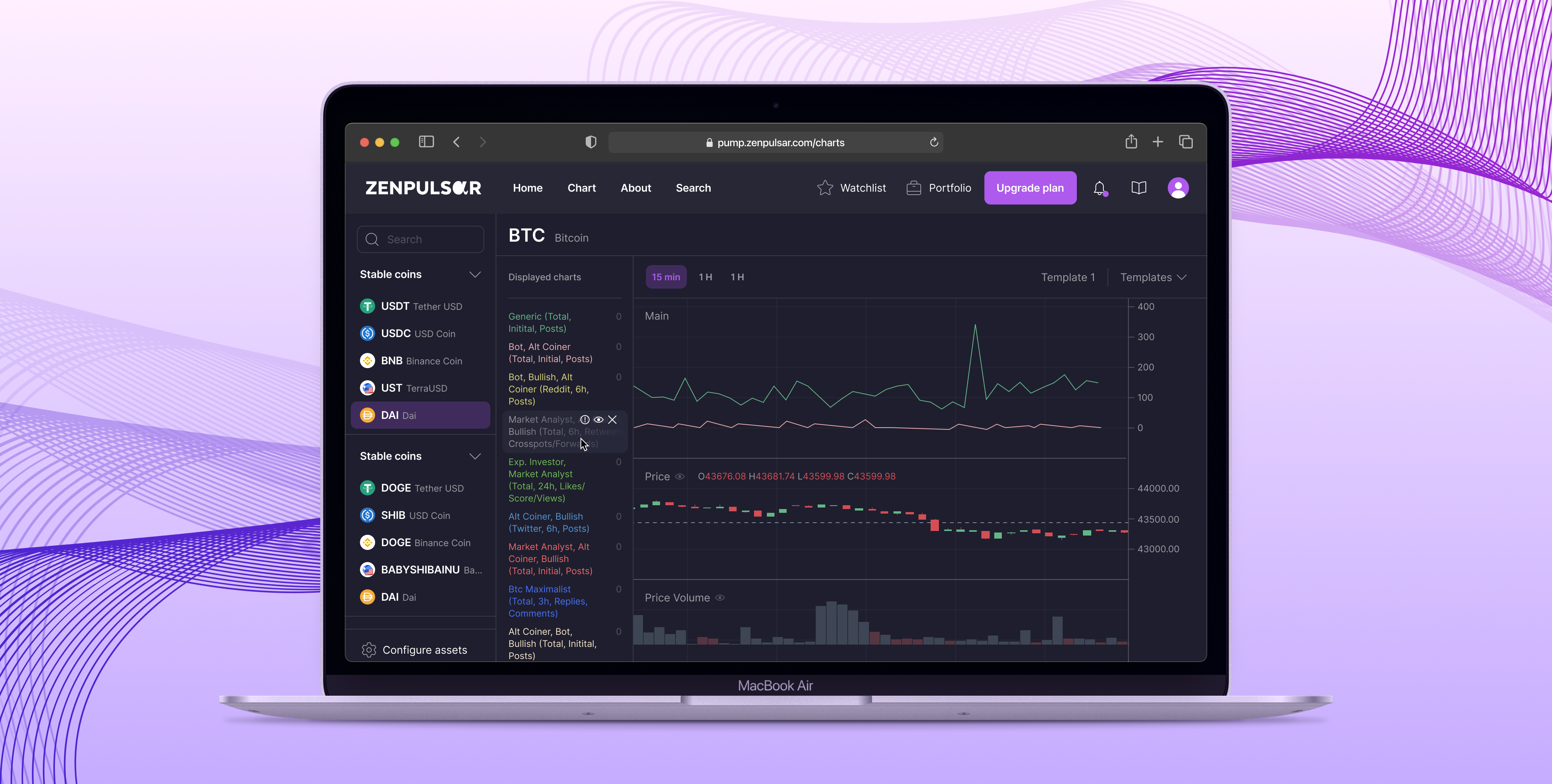
The production application is part of a commercial, paywalled analytics suite, but you can get a good sense of its positioning and UI style from the public promo page: https://zenpulsar.com/solutions
Overview
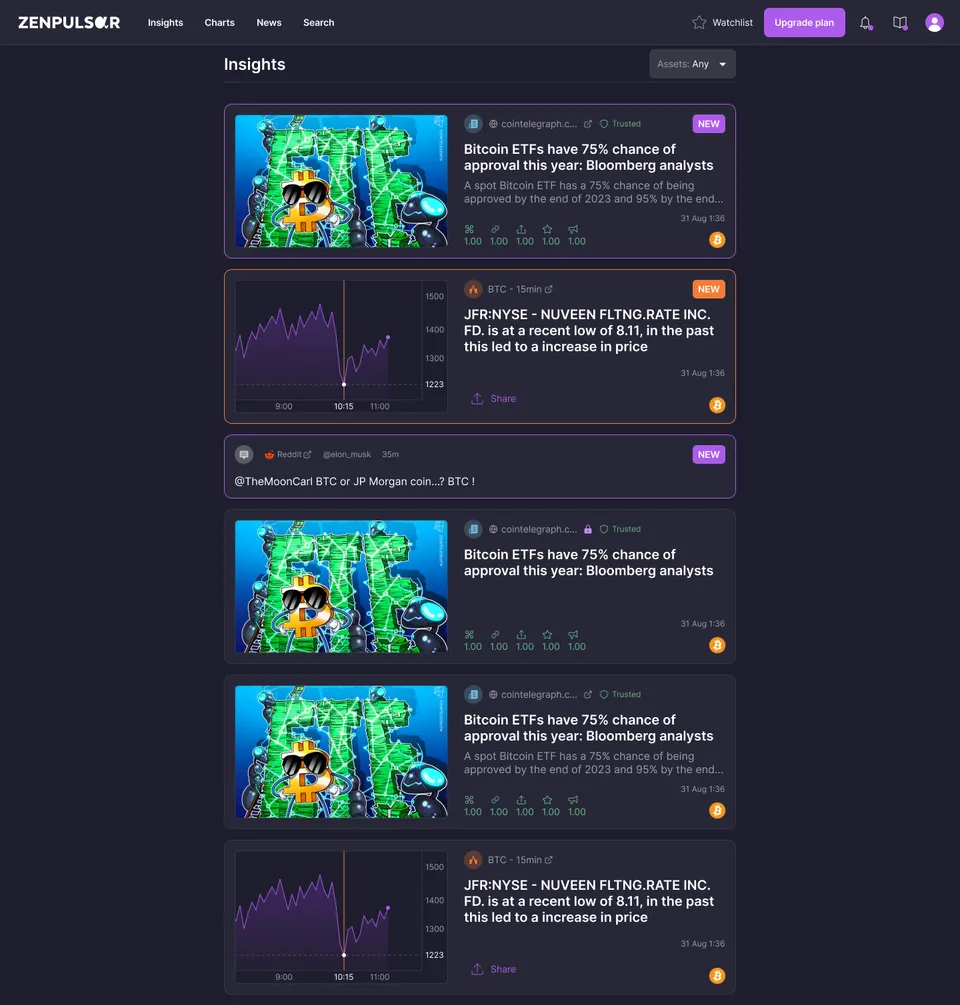
PUMP is a sentiment analytics platform for traders. It pulls posts from Reddit, Twitter, Telegram, Weibo, Guba and other sources, runs ML-based sentiment prediction on each one, and presents the result through interactive visualizations. It tracks over 5,000 assets, mostly crypto.
This was my first serious commercial project. I joined a small team after they had secured investor interest with an initial MVP, and stayed for over two years, starting as a frontend developer and ending up full-stack.

















My role
Full-stack developer, backend-heavy. I came in on the frontend and moved across quickly, and most of my work ended up on the backend.
- May 2022: joined as a Vue frontend developer, to take load off the full-stack developer
- Sep 2022: became full-stack and started maintaining and updating backend endpoints, refactoring and optimizing along the way
- May 2023: took full ownership of all BFF (Backend-for-Frontend) endpoints after a developer left the company
- 2023: mentored a junior developer for two to three months, training him and reviewing his code
- Maintained and improved the social media parsers and the Airflow ETL pipelines
- Worked across three cloud providers as the team migrated: AWS, then GCP, then Azure
I owned the frontend outright, but the bulk of what I contributed was backend work: API development, data pipelines, database optimization and parser maintenance.
Key features
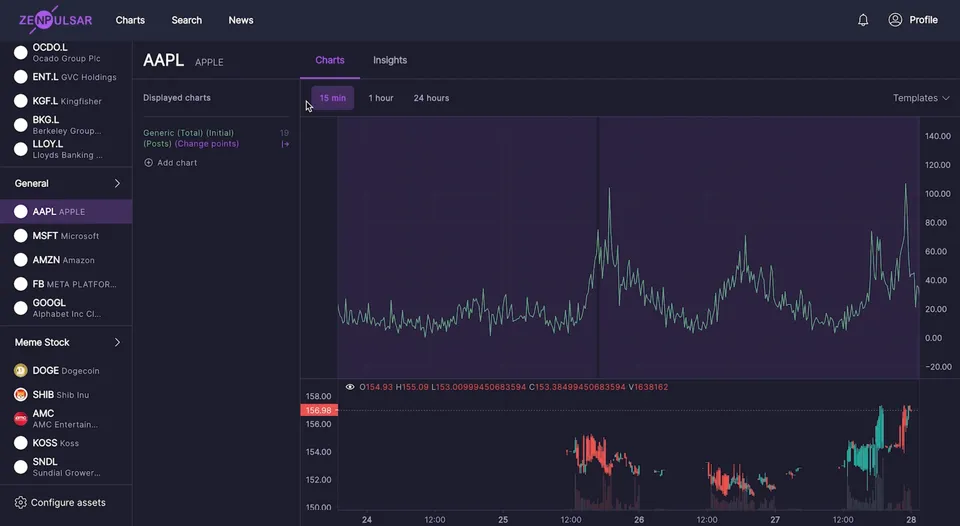
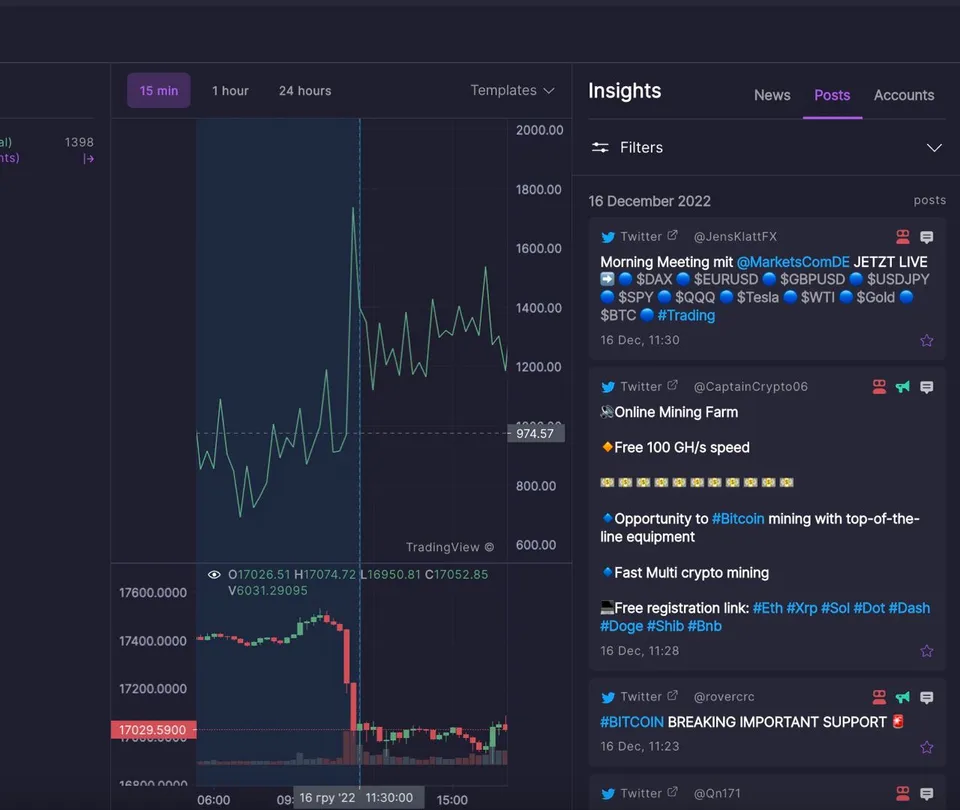
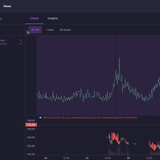
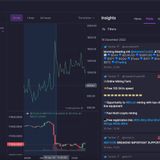
Charts and analytics
- Post volume charts with filters for popularity metrics
- Time-series view of sentiment trends per asset
- Lightweight Charts for trading-style interactions
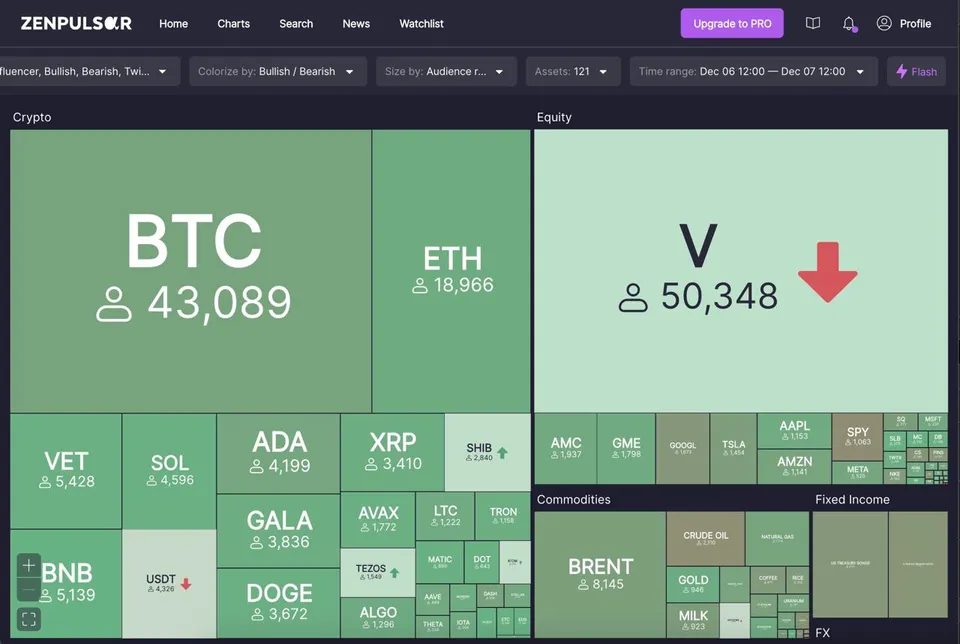
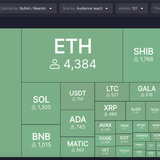
Treemap
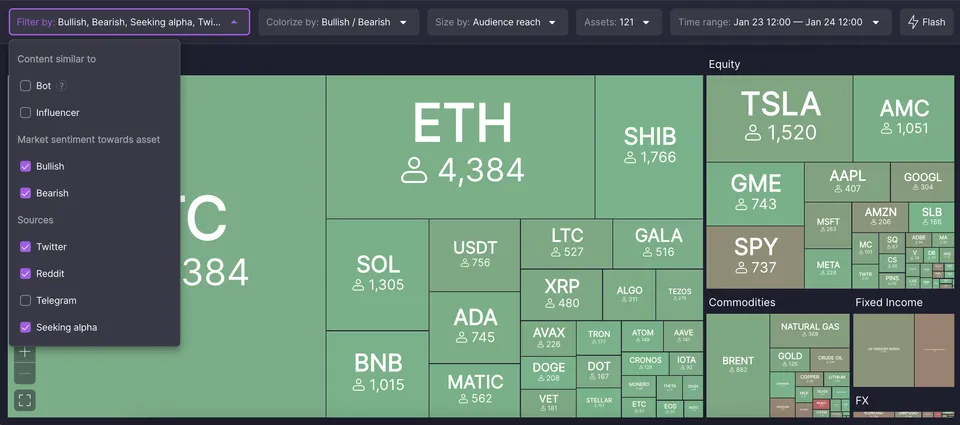
- Asset sentiment distribution at a glance
- A quick read on market sentiment across 5,000+ assets
Search
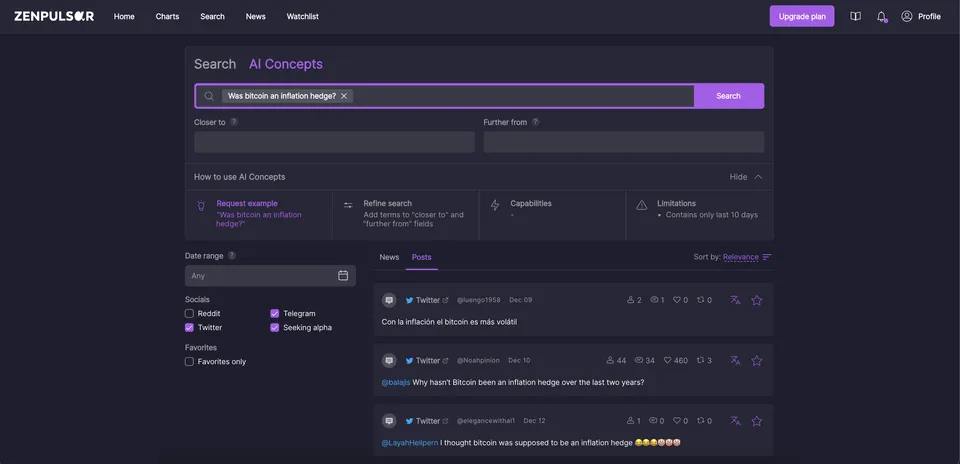
- Weaviate-powered semantic search over post storage in MongoDB
- Filtering and exploration across millions of posts
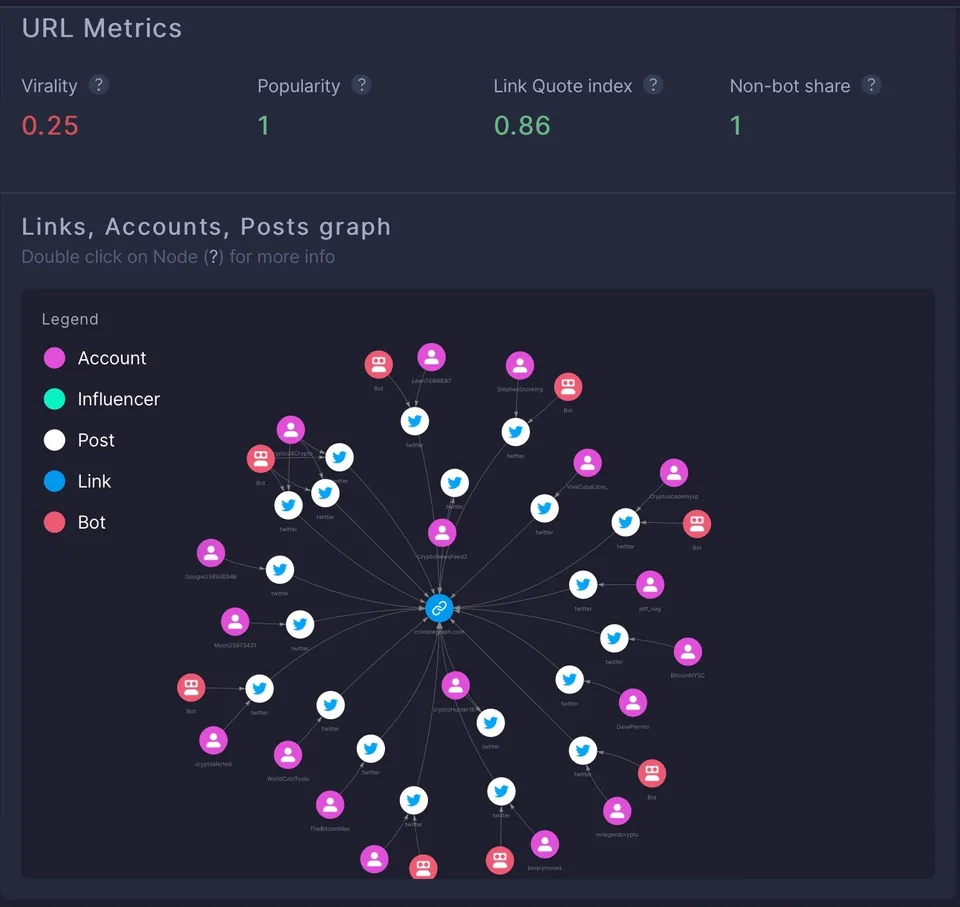
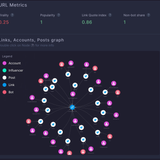
Graph visualization
- Neo4j relationship mapping between posts and reposts
- Shows how content spreads and which accounts drive engagement
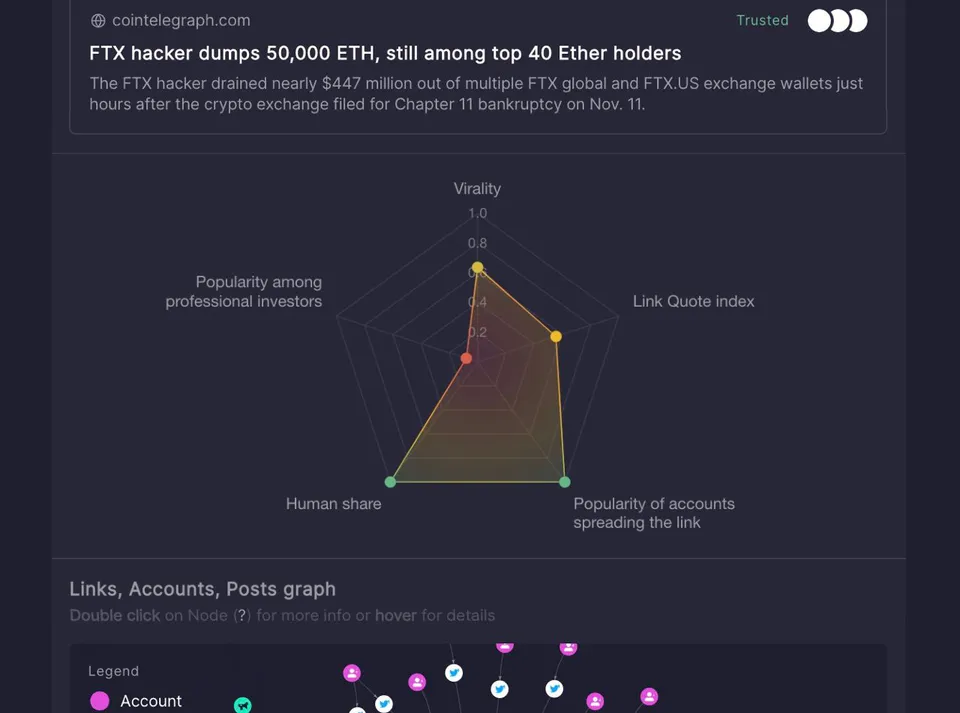
Spider charts
- Multi-metric view per post, built with Chart.js
- Metrics normalized to a 0-1 scale so they can be compared
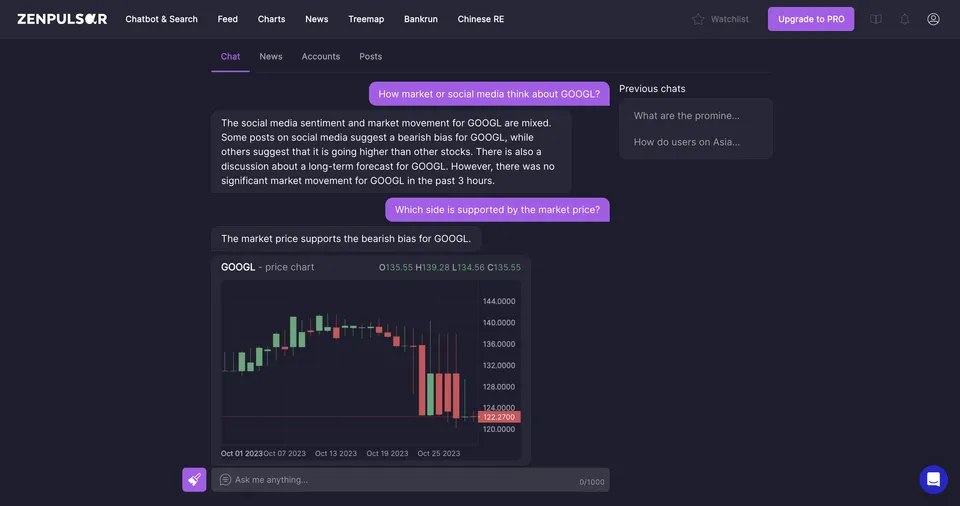
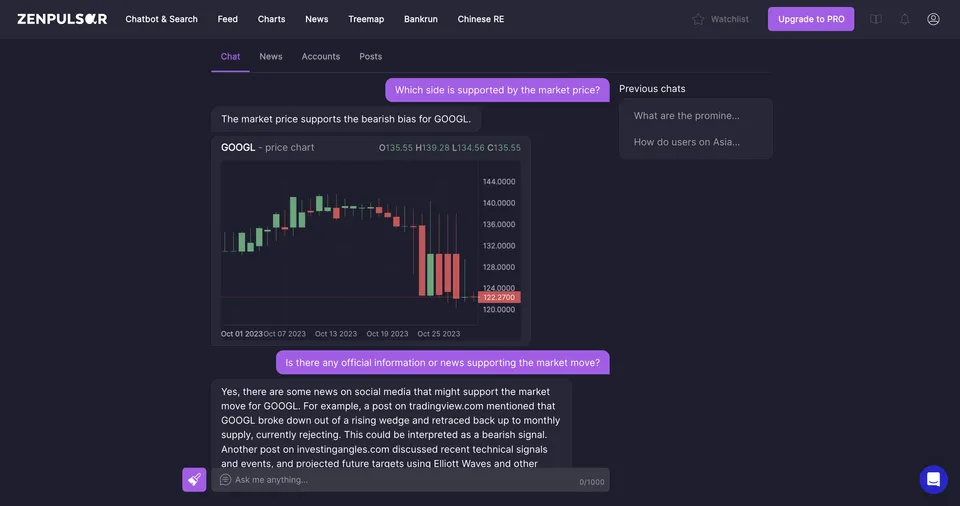
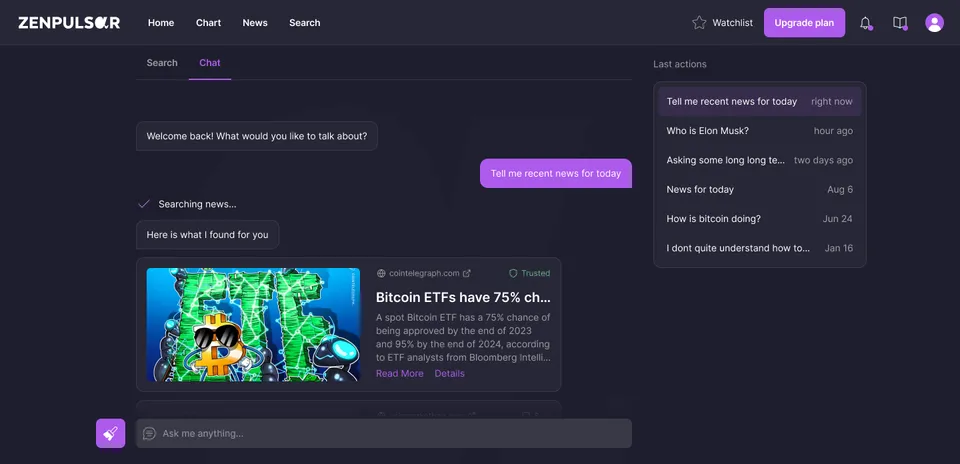
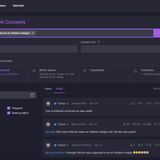
RAG chatbot
- Research assistant added in late 2023
- Answers with context from the stored social media data
Technical implementation
Backend
- Python and FastAPI for REST APIs
- MongoDB for post storage
- Neo4j for graph relationships
- Weaviate for semantic search
Frontend
- Vue 2 to Vue 3 migration, finished in 2023
- Vuetify component library
- Virtual scroll for large datasets
- Lightweight Charts for trading-style visualizations
Data pipeline
- Airflow for ETL orchestration
- Custom parsers for Reddit, Twitter, Telegram, Weibo, Guba and other sources
- Parser architecture refactored around SOLID principles in early 2023
Cloud and storage
- Migrated across AWS, GCP and Azure as investment constraints changed
- Worked with S3, BigQuery, Google Blob Storage and Azure Blob Storage
- Parquet files for efficient storage and transfer
Timeline
Tech stack
















- Backend: Python, FastAPI, MongoDB, Neo4j, Weaviate
- Frontend: Vue 3, Vuetify, Lightweight Charts, Chart.js
- Data Pipeline: Airflow, Pandas, Parquet
- Cloud: AWS, GCP, Azure (S3, BigQuery, Blob Storage)